
Copilot AI and Agents are Core Integrations in SystemsAnalytix
Copilot Agents
Copilot Agents are custom-designed AI assistants that can understand natural language, analyze business data, and automate complex workflows across the Microsoft Power Platform stack: Power Apps, Power Automate, Power BI, and Dataverse. For knowledge workers, this means less time spent on repetitive tasks, manual data entry, and decision bottlenecks. Instead, staff can focus on high-value work while Workflows and Agents help manage risk, compliance, and operational oversight. Whether embedded in forms, triggered by workflows, or integrated with Microsoft Teams, Copilot Agents help streamline business processes, enforce policy standards, and respond faster to critical issues—improving efficiency, accuracy, and accountability.
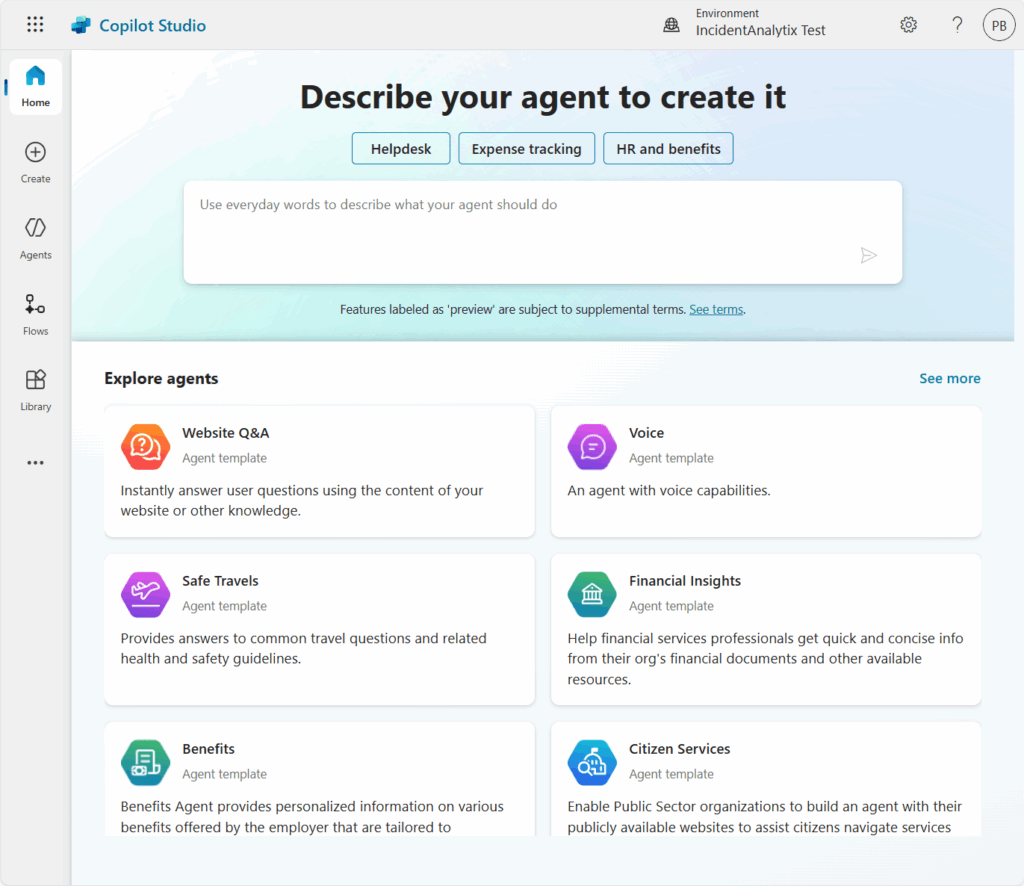
How Copilot Agents Support Risk Management in IncidentAnalytix
Automatically assess incident severity and triage based on factors like incident type, category, and severity level, instantly flagging high-risk reports for administrative review or escalation.
Generate real-time incident summaries by parsing narrative fields and highlighting contributing factors, enabling faster decision-making for safety officers or risk teams.
Identify incident patterns and trends across programs or locations using Power BI-integrated insights, allowing proactive interventions and risk mitigation strategies.
Send tailored notifications to stakeholders based on organizational notification rules stored in Dataverse, ensuring the right people are alerted without staff needing to manually compose or track alerts.
Evaluate incident completeness and data quality, prompting users for missing information and guiding them through corrective entries to ensure accurate reporting and compliance.
How Copilot Agents Streamline Program Compliance in ProgramAnalytix
Review program compliance attestations automatically, checking which requirements (e.g., background checks, insurance, training) are marked as “Pending” or “Not Started” and flagging programs at risk of non-compliance.
Monitor staff, volunteer, and participant training records across multiple programs and generate alerts when critical certifications are missing, expired, or duplicated unnecessarily.
Provide intelligent onboarding checklists tailored to each user’s role in a program, helping staff and volunteers know exactly what requirements or trainings are expected of them.
Auto-generate compliance reports summarizing program readiness and gaps, which can be sent to program sponsors or compliance managers for sign-off without manual tracking.
Escalate overdue requirements by notifying program managers or compliance leads when critical items are delayed, supporting governance policies and reducing the burden on admin staff.
Power Automate Flows
Power Automate allows organizations to automate repetitive tasks and orchestrate complex business processes across Microsoft 365, Dataverse, and hundreds of external services. With a visual, low-code interface, users can easily build flows that respond to events, schedule actions, or trigger data-driven logic—all without writing code.
Power Automate Approvals provide a streamlined way to manage decisions across your organization by embedding approval steps into workflows. Approvers can review requests, provide responses, and add comments directly from email and Microsoft Teams. Every response is tracked and logged for transparency, making it ideal for compliance-driven processes with multi-level approval signoffs.
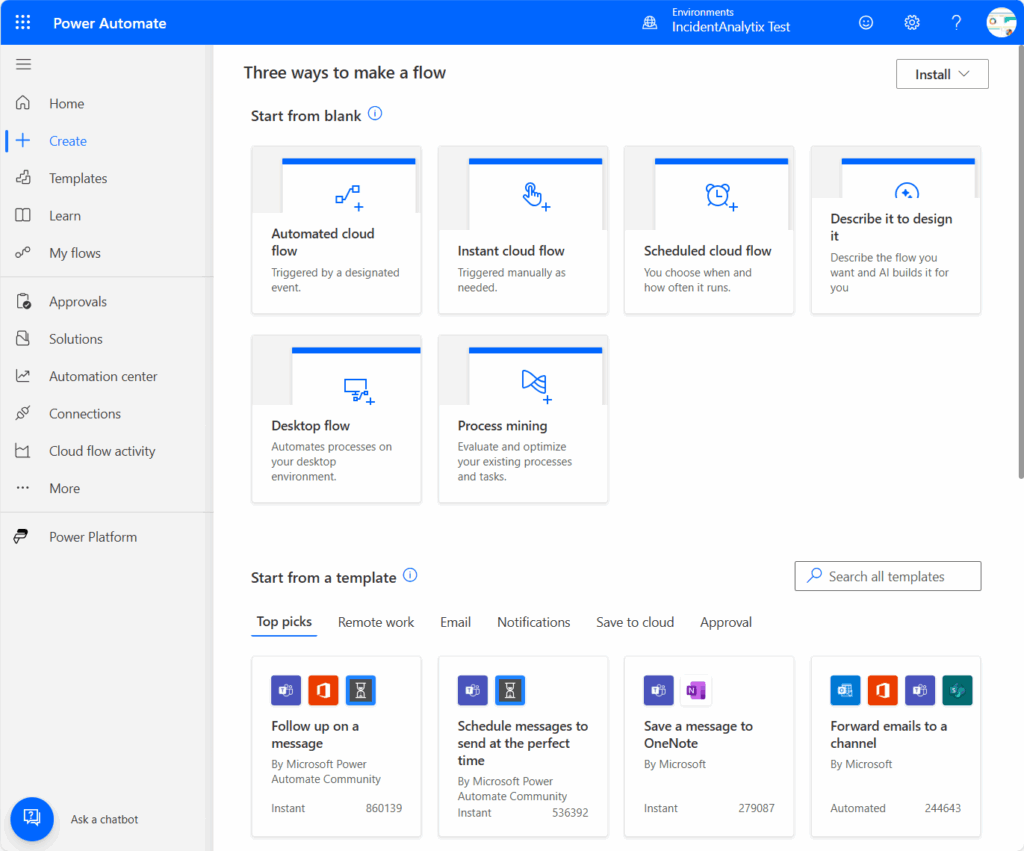
How Power Automate automates Program Compliance in ProgramAnalytix
Automatically Assign all Requirements. When a program is registered, users select the program type(s) and a Power Automate Flow searches all of your Requirements for topic areas like program activity, participants, staff, volunteers, travel, transportation and training and automatically applies those to that program. Users immediately know what requirements then need to meet.
Monitor Completion Status: Power Automate can regularly review all upcoming programs, assess which requirements are not completed and send a reminder notification to the program organizer and to the approving office.
Auditable Approval Requests: When a program organizer completes a requirement, it triggers a customizable Approval Flow that is routed to all appropriate approval offices for review. The requirement can be approved or rejected with date/time stamp and approval notes and the program organizer is immediately notified of the approval status.