Product · IncidentAnalytix
Capture incidents and near misses, analyze contributing factors with recognized safety-science frameworks, and report with confidence — all inside your own Microsoft tenant.
How it works
Capture
Configurable intake for incidents, near misses, allegations, and observations. Mobile-ready for the field. Anonymous reporting where you need candor.
Analyze
Classify contributing factors using the structured methods professional investigators use — HFACS, ICAM, and STAMP/STPA — via guided, hierarchical selection. Pick the precise leaf factor and parent categories roll up automatically. Then trend across every incident.
Act
Automate routing, notifications, and approvals with Power Automate. Track corrective actions to closure. Report and trend in Power BI on your own data.
Capabilities
Model factors as an extensible, framework-aware taxonomy; analysts pick the leaf factor and the hierarchy is inferred.
Benefit: Consistent, comparable causal analysis — and trends that reveal systemic risk early.
Capture the events that didn’t hurt anyone as easily as the ones that did.
Benefit: Capture precursor events before they become recordable incidents — the leading-indicator data most organizations never collect.
Role-based and column-level security for allegations, minors, health, and personnel matters.
Benefit: Meet your duty of care with a clear, auditable access model.
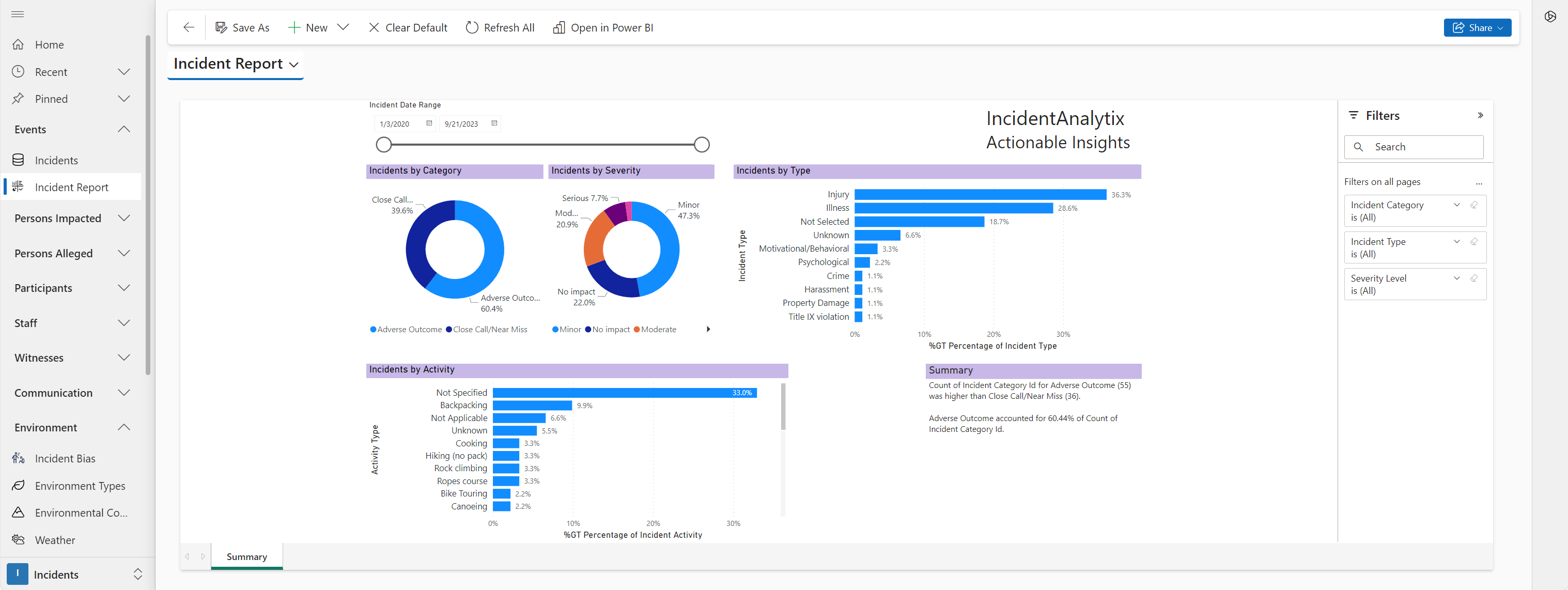
Build live dashboards on your own Dataverse data — trends, safety rates, and serious-injury indicators.
Benefit: Board- and regulator-ready reporting without manual assembly.
Track bias incidents at three levels: the incident itself, individual persons involved (both experienced and alleged), and groups.
Benefit: Purpose-built structure for Title IX, Clery Act, state bias crime mandates, and internal accountability programs.
Log concerning events or behaviors that don't yet rise to a recordable incident. Link Red Flags to actual incidents to follow patterns.
Benefit: Capture the leading-indicator signals. Convert them to incidents when needed. Retain the full timeline either way.
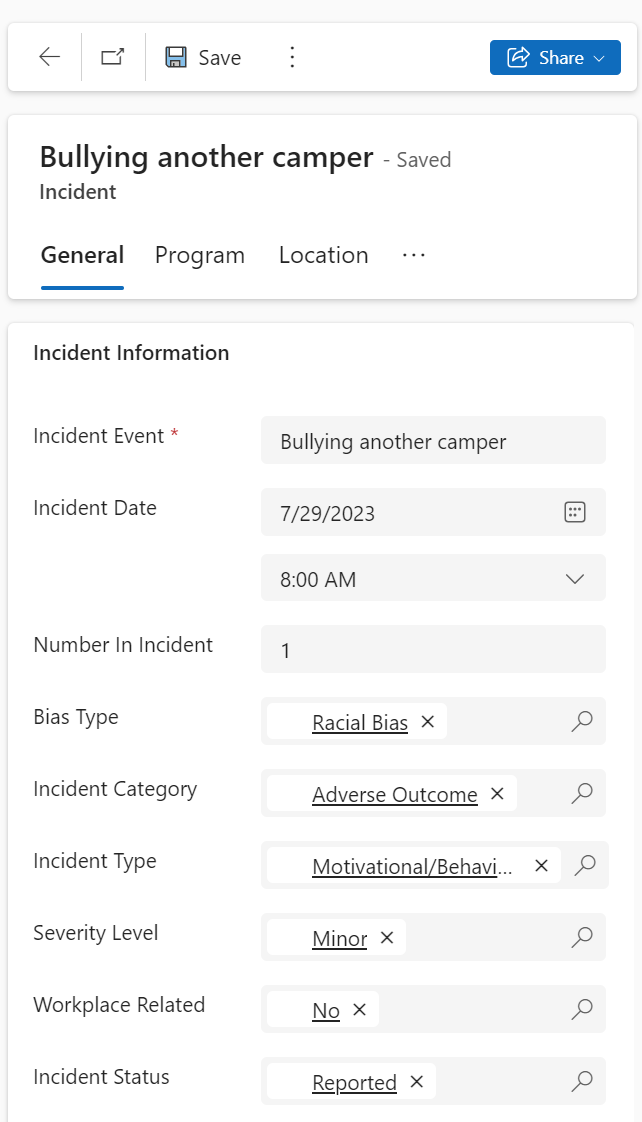
A mobile client on iOS, Android, and Windows via Power Apps Mobile. Field staff capture incidents and near misses at the site, and records sync when a connection returns.
COMING SOON
Safety Science — No Other RMIS Has This
Contributing factor analysis tells you which factors were present. Accimaps and Preventimaps show how they caused and contained each other. That distinction is the difference between filling in a form and actually understanding an incident.
Contributing Factor Analysis
Classify factors using HFACS, ICAM, STAMP/STPA, or other systems. Trend contributing factors across all incidents to surface systemic risk before it repeats.
AcciMaps
The Contributing Factor Relationship module lets analysts document not just which factors were present, but how they caused one another. This is Accimap analysis — a systems-thinking method that reveals the causal web of an incident rather than collapsing it to a single root cause.
PreventiMaps
The Mitigating Factor Relationship module documents what controls and safeguards were present and how they interacted. Where did they hold? Where did they fail? Preventimap analysis answers both questions from the same structured data.
No other commercial RMIS platform provides causal relationship mapping as a core data model feature. This is what separates incident documentation from incident analysis.
How We Compare
Powerful Analysis
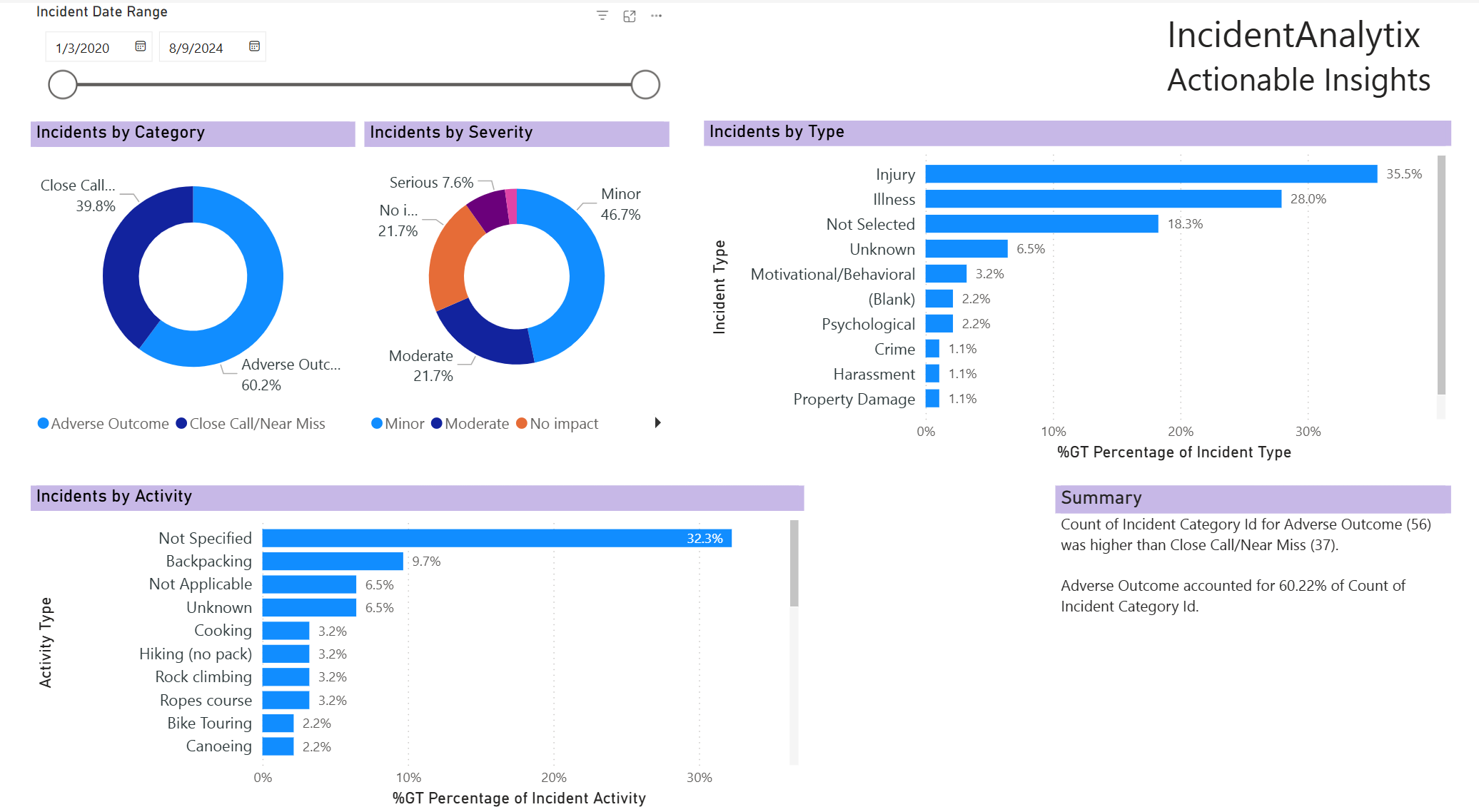
Explore your data through powerful integration with the Microsoft Power BI data analytics platform. Build your own custom dashboards with fully interactive live data. Filter and drill down into specifics of your incident data to identify trends and prioritize action steps.
Standards support
IncidentAnalytix supports your organization's conformance with the incident-management requirements of the standards that govern your work..
IncidentAnalytix addresses the incident-reporting requirements of ISO 21101.
Security & compliance
Because IncidentAnalytix runs inside your own Microsoft environment, it inherits the security posture you already govern.
Certifications above belong to the Microsoft Power Platform which IncidentAnalytix runs on. See the Microsoft Trust Center for additional details.
How your people access it
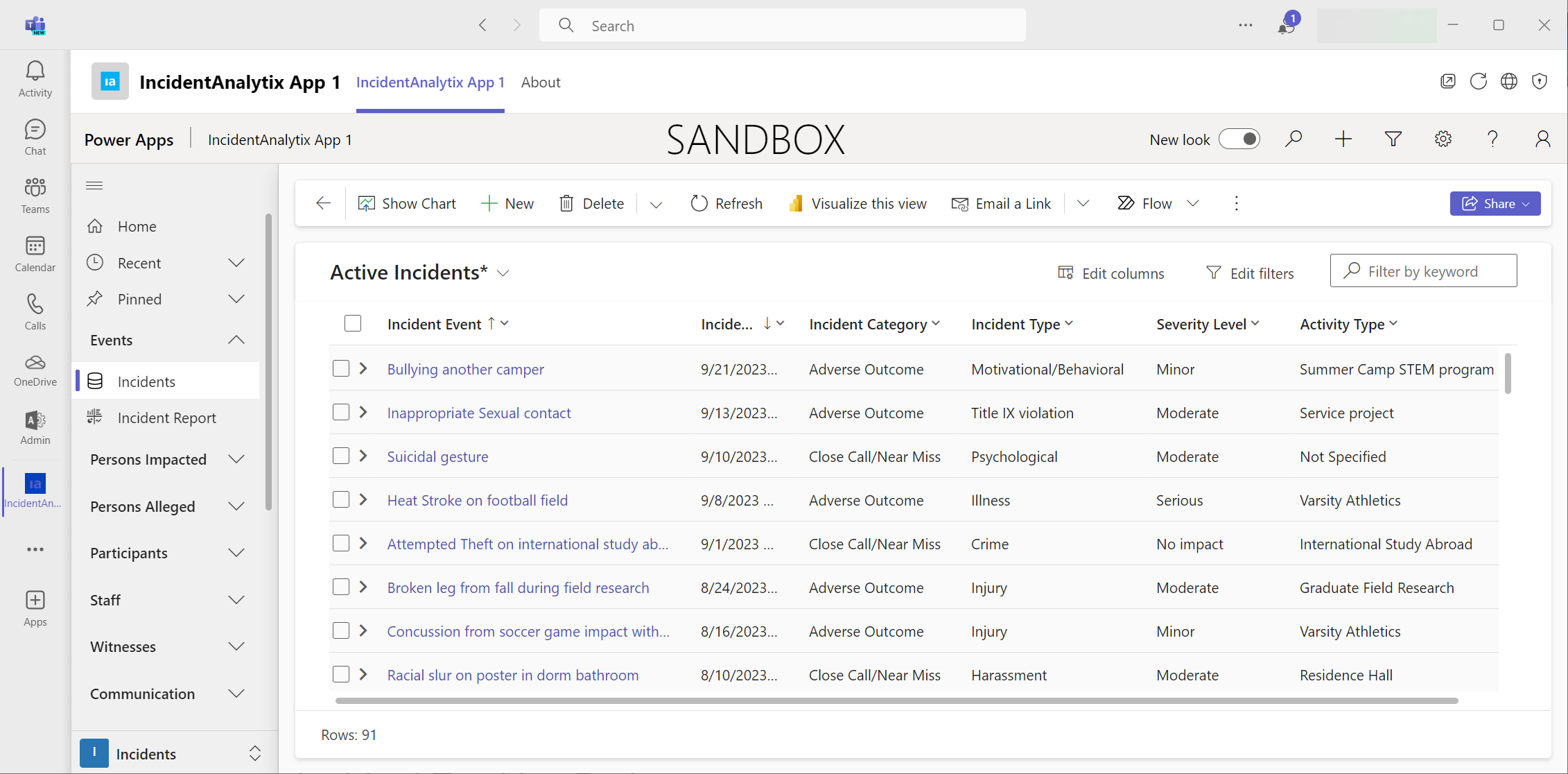
Internal staff work in the full Model-Driven App; field and occasional users report through an authenticated Power Pages portal — both on the same Dataverse records in your tenant. And you can run the Model Driven app directly inside Microsoft Teams.
Everyday users
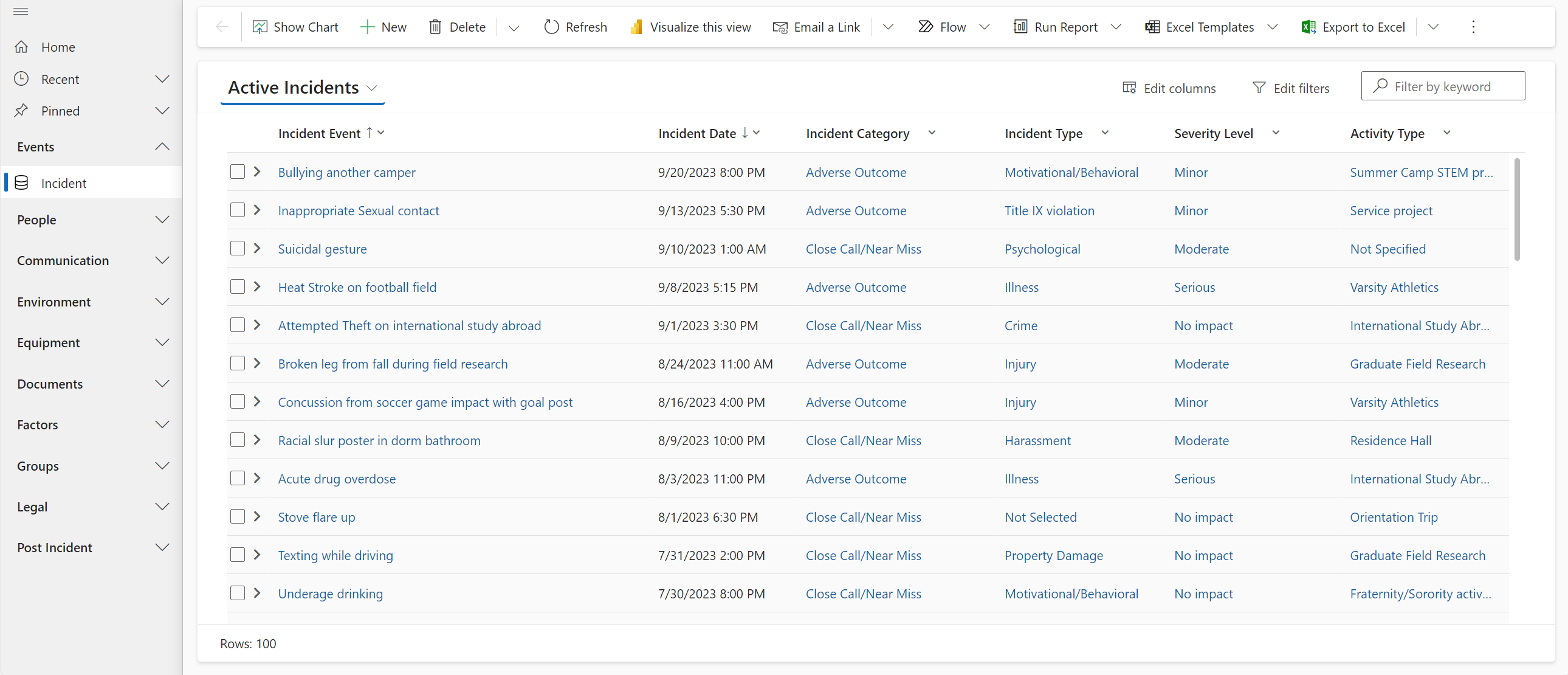
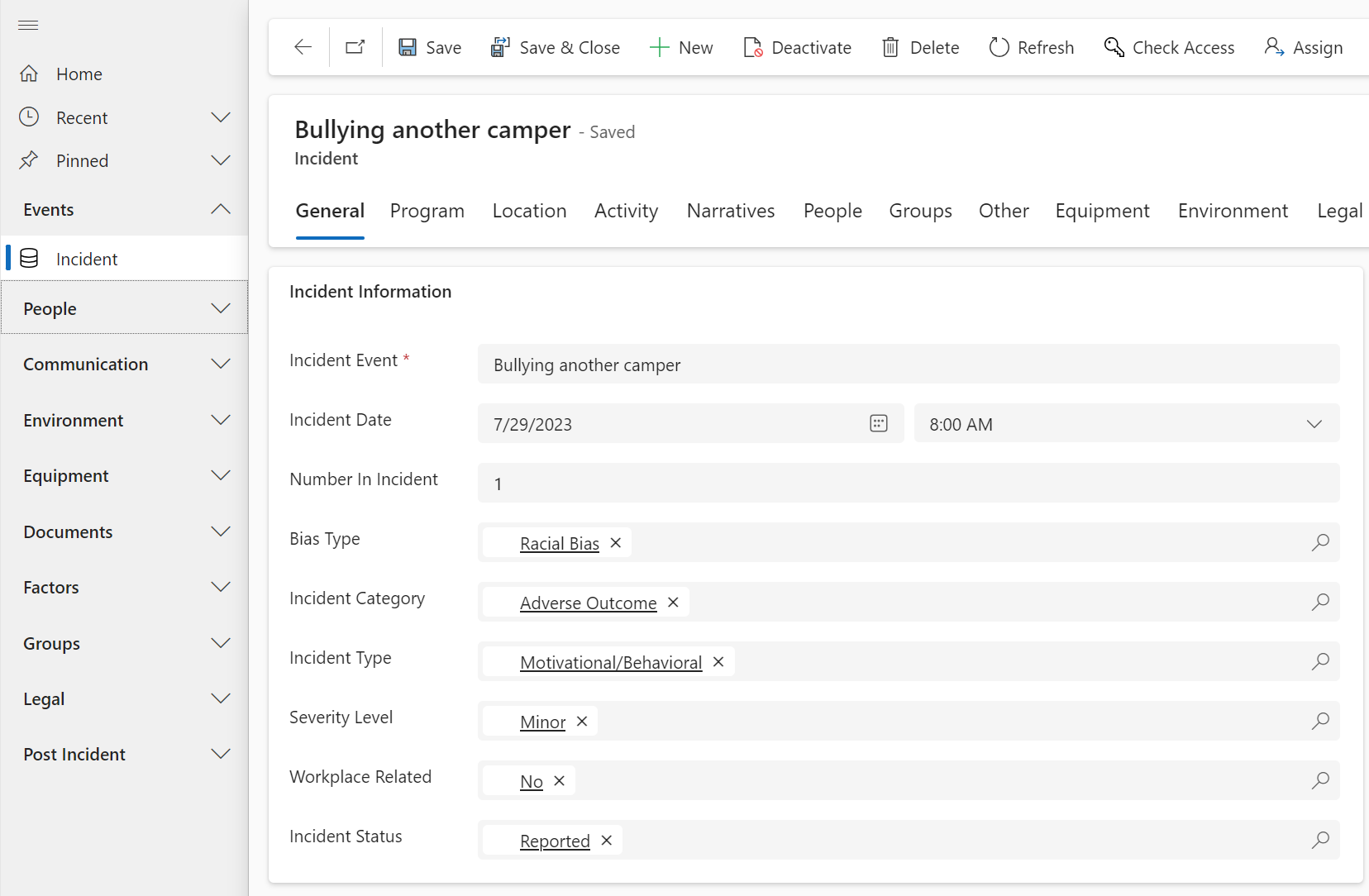
For the people who work the incidents — your safety office, investigators, and administrators. They get the full experience inside Microsoft 365: rich forms, dashboards, bulk actions, and the complete contributing-factor analysis, governed by your Entra ID.
Occasional users
For the people who submit data to the system — field staff filing a report from a remote site, or a program director reviewing their own incidents — Power Pages offers a secure, web portal, without requiring every user to have a full application seat.
Teams
The same Model-Driven App, running inside the Microsoft Teams client your staff use every day. No separate app to launch so reporting and review happens as part of daily workflow. Dataverse security roles and permission still apply in Teams
The Power Pages site is an Add-on to IncidentAnalytix, not a separate system. It provides another authenticated door into the same records in your tenant — so a field report lands directly in the safety team's workspace, with no re-keying and no data leaving your environment. The best of both worlds: a full application for internal staff, and more economical authenticated-portal access for occasional users.
Built to be extended
IncidentAnalytix installs complete and runs on day one, then your team extends it with the same low-code and AI tools you already license: add your own tables, forms, flows, and Copilot Studio agents on top of a managed core that upgrades cleanly. Competitors give you one stack and a feature-request queue; here, you can extend it tomorrow.
The Product
A 30-minute demo, mapped to how your organization handles incidents today.